
SolarEdge Optimizer Repair · Austin area
SolarEdge Optimizer Repair
One panel disappeared from the SolarEdge app, but the others still show power. The optimizer under that panel is one possibility. We match the app’s map to your system and check whether the fault starts at one panel, a group of panels, or the inverter before we recommend a replacement.
What are you seeing in SolarEdge?
- One panel shows less power than usual, or several readings changed together.
- SolarEdge shows an optimizer alert.
- Some panels stopped showing up after roof work or a panel repair.
How it works
Find which panels show a problem
A screenshot of the alert, your panel map if you have it, and the inverter model give us a place to start.
Check if the fault is shared
We check whether the problem is limited to one panel or optimizer or affects a set of connected panels or the inverter. We verify on site when needed.
Find a part that fits
If testing confirms a failed optimizer, we check what works with your panel and inverter before recommending a replacement.
Verify the replacement
After an approved replacement, we check the available readings and tell you if the monitoring still needs any setup.
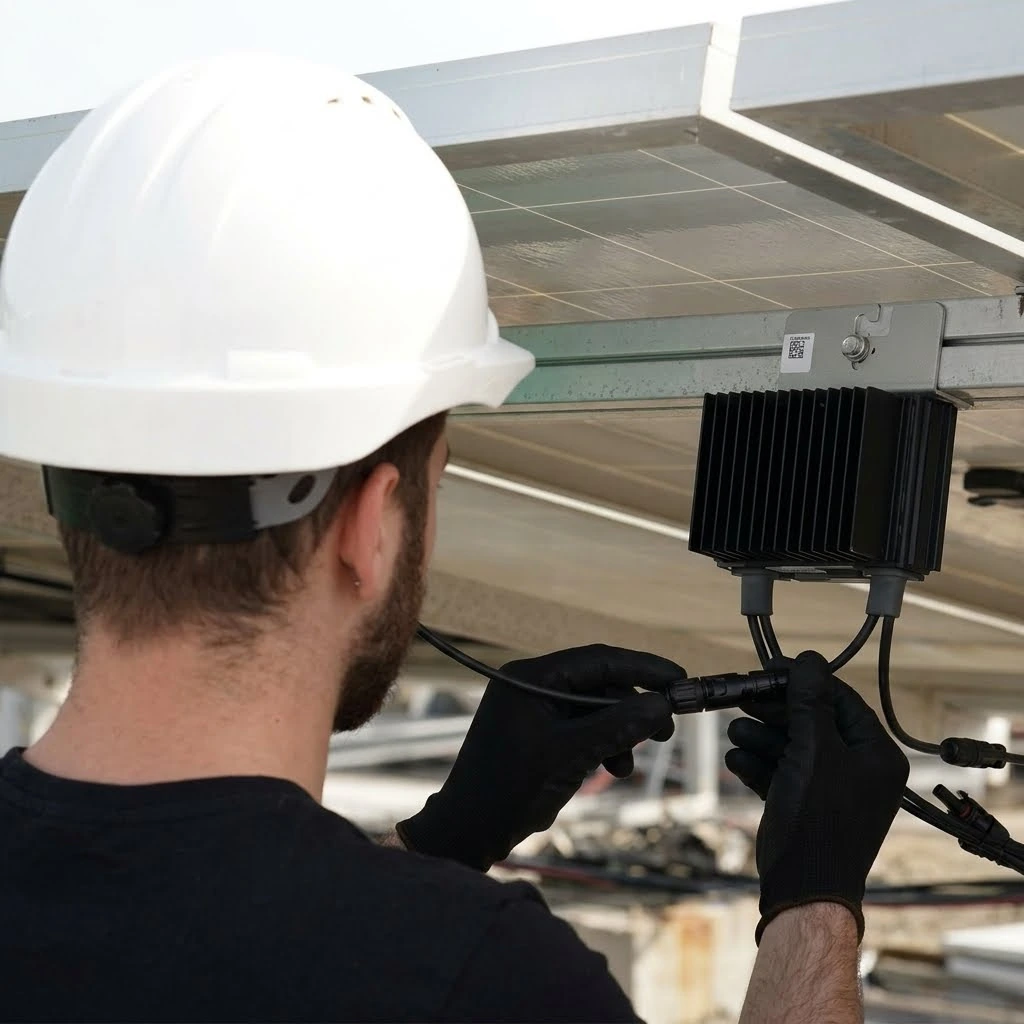
What you’ll know after the check
- We’ll explain which panels are affected and exactly what we’re recommending if a part needs replacing.
What depends on your system
- We’re independent of SolarEdge and can’t guarantee app access or warranty coverage. If the manufacturer needs to be involved, we’ll explain what we found and what to do next.
Common questions
Could the panel be fine even if its reading is low?
Yes. The optimizer or the way it reports can affect the reading. We check the equipment before calling the panel bad.
Will any SolarEdge optimizer fit?
No. Compatibility depends on the existing module, inverter, and system design. We check the specific equipment before recommending a part.
Request a SolarEdge optimizer quote
Tell us your city and what the SolarEdge app shows. Send a screenshot or panel map if you have one.